CAD vs PDF: Why CAD is Better for As Built Drawings and the PDF compromises
As Built Drawings Service Blog Hub | June 18, 2026
When it comes to updating drawings to as builts, block plans and evac plans, one of the most common questions we get is:
“Do we need to send CAD files or can you work with the PDF’s?”
The short answer is simple:
👉 CAD files (.dwg) are always preferred.
But if they’re not available, there are still workable options—just with some trade-offs. Here’s a clear breakdown so you know what to send and what to expect
🔹 Why CAD Files (.dwg) are Always Best
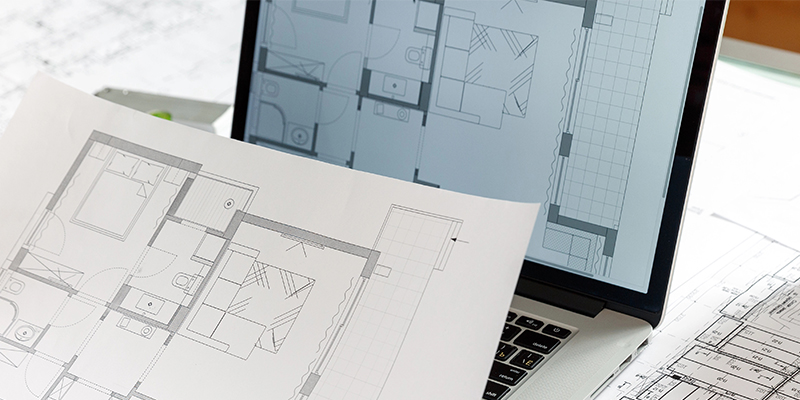
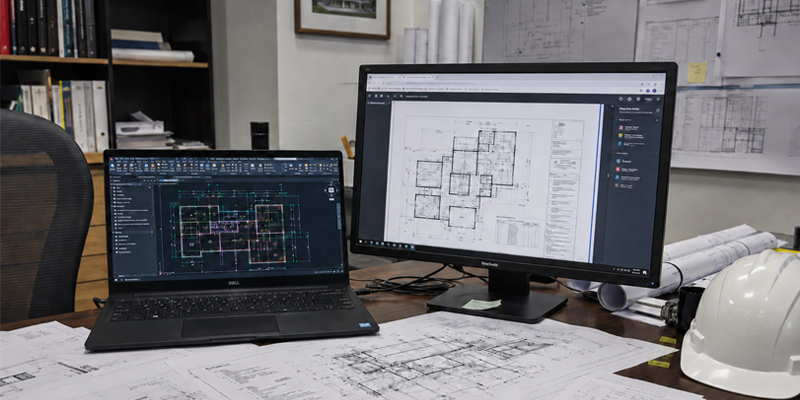
If you have access to the original CAD (.dwg) files, that’s always the best option.
This allows us to:
- Update drawings more accurately and efficiently
- Modify elements (lines, text, blocks) properly
- Maintain consistency across the entire drawing set
- Deliver faster turnaround times
Most importantly, working in CAD means we’re editing the drawing as intended—not rebuilding it.
👉 Result: Faster, cleaner and more cost-effective updates.
🔹 What If You Only Have PDF’s?
If CAD files aren’t available, the next best option is an original PDF—not a scanned copy.
These are typically exported directly from design software and still contain usable linework.
✔️ Acceptable:
- Original PDF’s (exported from CAD/Revit)
- Clear, non-pixelated files
❌ Not ideal:
- Scanned drawings
- Blurry or low-resolution PDF’s
- Mark-ups on printed/scanned plans
🔹 Why PDF to CAD Conversion Costs More
When we convert a PDF into CAD, the drawing doesn’t come in clean.
What actually happens:
- Lines are broken into multiple, often thousands of tiny segments
- Text becomes symbols and individual lines (not editable text)
- Blocks and symbols are lost or exploded in the drawing
This means instead of editing a single element, we often have to:
👉 rebuild or adjust things line by line, piece by piece
Naturally, this repair work takes more time and effort.
👉 Result: Higher cost and longer turnaround compared to working with CAD files.
🔹 Can As Built Drawings Be Updated in PDF Only?
In some cases, yes—but we only recommend this approach for minor updates.
For example:
- Small mark-ups
- Simple annotations
- Minor revisions
However, for larger or more complex changes, updating directly in PDF isn’t practical.
Why?
- Limited editing capability
- Higher risk of errors
- Poor consistency across drawings
In most cases, it’s actually easier and more accurate to convert to CAD first, even if that adds an extra step.
🔹 What Should You Send?
To keep things simple:
✅ Best option:
- CAD files (.dwg) + mark-ups
⚠️ If CAD is not available:
- Original (non-scanned) PDF’s + mark-ups
❌ Avoid if possible:
- Scanned or low-quality PDF’s
🔹 Final Thoughts
If you’re after fast, accurate, and cost-effective as built drawings, block plans and evac plans, sending the right files makes a big difference.
- CAD files → quickest and most efficient
- Original PDF’s → workable, but more time required
- Scanned PDF’s → likely need to redraw taking time and adding to cost
🏗️ Need a Hand?
At Design Assist Partners, we work with whatever information is available—but where possible, sending through CAD (.dwg) files and clear mark-ups helps us deliver the best outcome, faster.
If you’re unsure about your files, feel free to send them through—we can review and advise the best way forward. Contact us today for a same day quote.